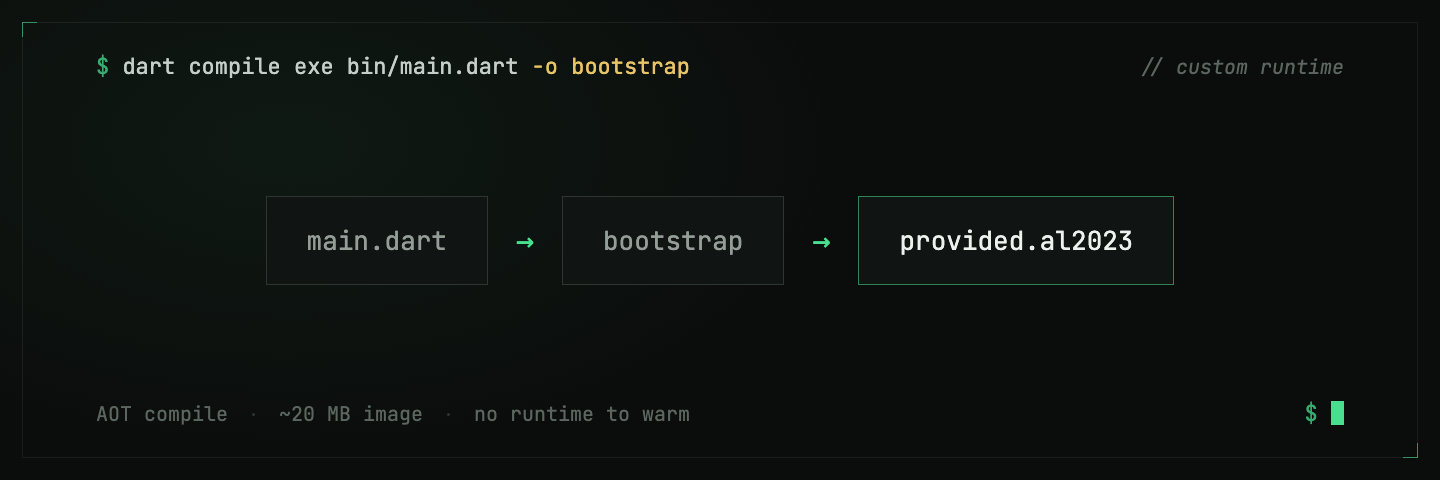
AWS Lambda’s runtime dropdown has no Dart in it, and it probably never will. That’s less of a problem than it sounds. Lambda’s provided.al2023 runtime will run any Linux executable you hand it, and Dart compiles to exactly that: a single, self-contained native binary with no VM to boot. Cold starts are short because there is nothing to warm up.
This post takes you from an empty directory to a Dart function behind an HTTP endpoint. The follow-up post adds X-Ray tracing on top of this exact setup.
How a custom runtime works
Three facts, and the rest is plumbing:
- Lambda executes a file called
bootstrap. Withprovided.al2023, Lambda starts/var/runtime/bootstrapand expects it to run the show. Your compiled Dart binary is the bootstrap. - The binary talks to the Runtime API. Instead of Lambda calling your handler, your process polls a local HTTP endpoint (
/invocation/next), handles the event, and POSTs the result back. This is the event loop. - You don’t write that loop yourself. The
aws_lambda_dart_runtime_nspackage (the maintained Dart 3 fork ofaws_lambda_dart_runtime) implements it. You register named handlers; it does the polling.
There are two ways to ship the binary: a zip file with bootstrap at its root, or a container image. I use the image. The build is a plain Dockerfile, there’s no cross-compilation dance on my Mac, and CDK handles the ECR push for me.
Step 1: the project
A regular Dart package. The pubspec.yaml only needs a name and an SDK constraint:
name: hello_lambda
publish_to: none

environment:
  sdk: '>=3.0.0 <4.0.0'
Then add the runtime with pub add, which resolves the latest version and writes it into pubspec.yaml for you:
dart pub add aws_lambda_dart_runtime_nsStep 2: the handler
bin/main.dart registers a handler by name and starts the loop:
import 'dart:convert';

import 'package:aws_lambda_dart_runtime_ns/aws_lambda_dart_runtime_ns.dart';

Future<void> main() async {
  await invokeAwsLambdaRuntime([
    FunctionHandler(name: 'fn.handler', action: handleEvent),
  ]);
}

Future<InvocationResult> handleEvent(
  RuntimeContext ctx,
  Map<String, dynamic> event,
) async {
  final name =
      (event['pathParameters'] as Map<String, dynamic>?)?['name'] ?? 'world';

  return InvocationResult(
    requestId: ctx.requestId,
    body: {
      'statusCode': 200,
      'headers': {'Content-Type': 'application/json'},
      'body': jsonEncode({'hello': name}),
    },
  );
}
The body map is shaped like an API Gateway proxy response, because that’s who will be calling us. The handler name matters: at startup the runtime reads the _HANDLER environment variable and dispatches to the registered handler with that name. We’ll set it in the deploy step. Get the two out of sync and you meet the classic “No handler with name…” crash on cold start.
Step 3: the Dockerfile
Two stages: compile in the full Dart image, then copy the binary into Amazon’s minimal provided.al2023 base.
FROM dart:stable AS build

WORKDIR /app
COPY pubspec.yaml pubspec.lock* ./
RUN dart pub get

COPY bin/ bin/

# The executable MUST be named 'bootstrap' for provided.al2023.
RUN dart compile exe bin/main.dart -o bootstrap

FROM public.ecr.aws/lambda/provided:al2023

COPY --from=build /app/bootstrap /var/runtime/bootstrap

CMD ["bootstrap"]
dart compile exe produces an ahead-of-time compiled native executable, so the final image carries no Dart SDK and does no JIT warmup. It ends up around 20 MB on top of Amazon’s base.
One subtlety: the compile target architecture is whatever the build stage runs on. If you build on an Apple Silicon machine without --platform, you get an arm64 binary. That’s fine, as long as the Lambda’s architecture says arm64 too. Just keep the two in agreement.
Step 4: deploy with CDK
DockerImageFunction builds the image, pushes it to ECR, and wires the function in one construct. The cmd is where the handler name from step 2 comes in: for a custom-runtime image, Lambda passes the container CMD to your process as _HANDLER:
import * as cdk from 'aws-cdk-lib';
import * as apigwv2 from 'aws-cdk-lib/aws-apigatewayv2';
import { HttpLambdaIntegration } from 'aws-cdk-lib/aws-apigatewayv2-integrations';
import * as lambda from 'aws-cdk-lib/aws-lambda';

const fn = new lambda.DockerImageFunction(this, 'Handler', {
  code: lambda.DockerImageCode.fromImageAsset('..', {
    file: 'Dockerfile',
    cmd: ['fn.handler'], // becomes _HANDLER → dispatches to our handler
  }),
  architecture: lambda.Architecture.X86_64,
  memorySize: 256,
  timeout: cdk.Duration.seconds(15),
});

const api = new apigwv2.HttpApi(this, 'Api');
api.addRoutes({
  path: '/hello/{name}',
  methods: [apigwv2.HttpMethod.GET],
  integration: new HttpLambdaIntegration('HelloIntegration', fn),
});

new cdk.CfnOutput(this, 'ApiEndpoint', {
  value: `${api.apiEndpoint}/hello/{name}`,
});
Then:
cd cdk
npm install
npx cdk deploy
CDK runs the Docker build locally, so the only prerequisites are Docker running and AWS credentials in your shell.
Step 5: hit it
curl "$(aws cloudformation describe-stacks \
  --stack-name hello-dart-lambda \
  --query 'Stacks[0].Outputs[?OutputKey==`ApiEndpoint`].OutputValue' \
--output text | sed 's/{name}/dart/')"{"hello":"dart"}The first call pays the cold start. After that, a warm instance spends its time on whatever your handler actually does. The process is a native binary already sitting in its poll loop, so there is no runtime to re-warm.
Where this setup pays off
Registering handlers by name looked like ceremony back in step 2, but it’s the feature I use most. The same image can back several functions, with each CDK function construct picking its entry point through a different cmd. One Docker build, one ECR image, as many functions as you want. The demo repo uses exactly this to run a main handler and a worker Lambda from a single image.
What you don’t get out of the box is visibility. CloudWatch will tell you an invocation took 480 ms and nothing about where those milliseconds went, and Dart has no official X-Ray SDK. Filling that gap is its own story: adding AWS X-Ray tracing to a Dart Lambda.